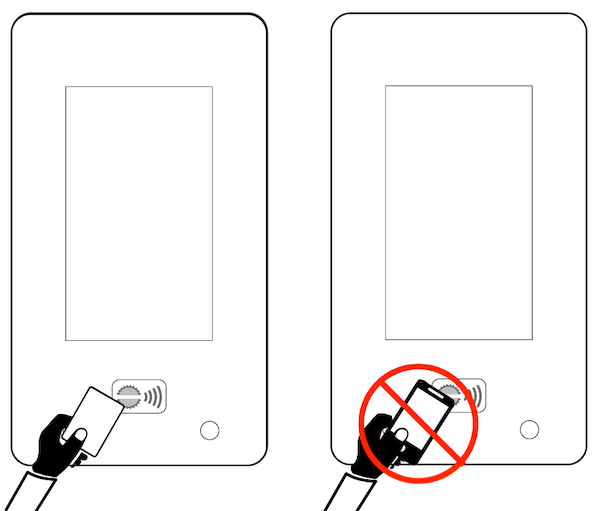
*Physical Clipper card is required. Kiosk cannot read Clipper on a mobile phone. Have a newer Clipper card with a 19-digit number? It needs one extra setup step before it will work at the kiosk. Call 888-659-2291 or email support@bikehub.com, and we’ll help activate your account.
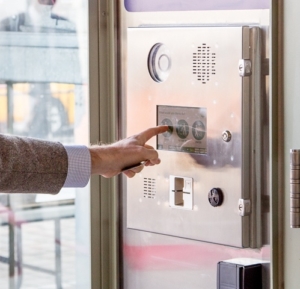
Present your ID card at the kiosk.
Make a selection (Park or Retrieve your bike)
>> Need access without parking or retrieving? Select Enter.Lock your own bike and accessories. Parking is At-Your-Own-Risk.
Exit within 8 minutes.
V2 Kiosk
Tap your RFID Transit Card (Bay Area Clipper).
OLDER V1 Kiosk
Older kiosks read a Driver’s License or BikeHub magnetic-stripe card. These systems are no longer in use.